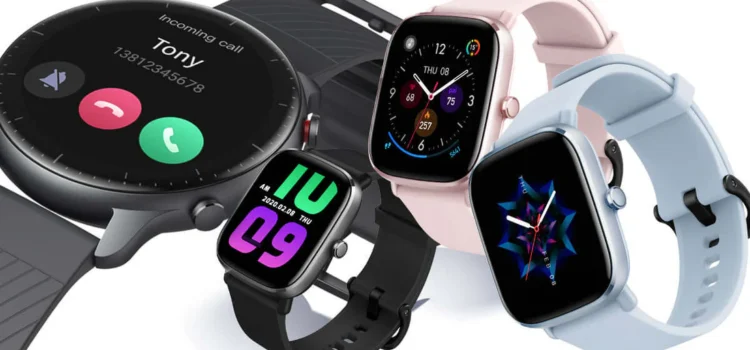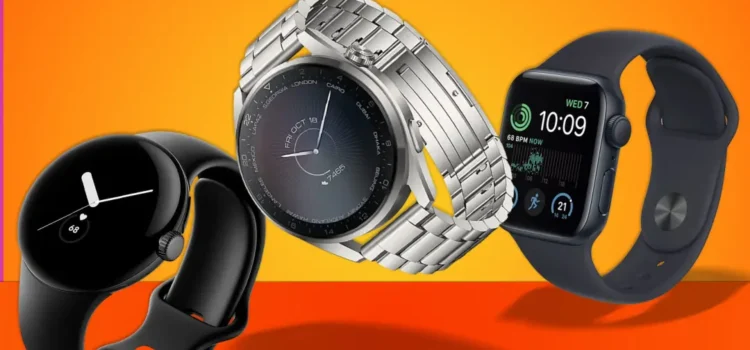



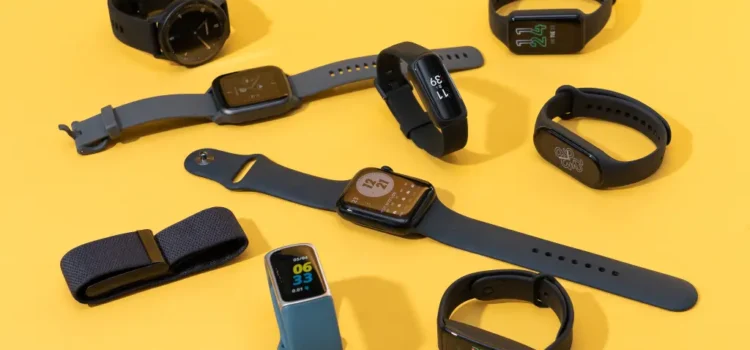
In an era when health and fitness are more important than ever, smartwatches have evolved into true wellness companions rather than just gadgets for notifications. Whether you’re a fitness enthusiast, someone recovering from an injury, or simply trying to live a healthier lifestyle, choosing the right smartwatch can help you monitor vitals, track workouts, manage recovery and sleep, and stay motivated. In this article we’ll explore what features to look for, why they matter, and how to pick a smartwatch that truly supports your health goals.
Why a Smartwatch Matters for Fitness and Health
Sensors in modern smartwatches now monitor heart rate, blood oxygen (SpO₂), sleep quality, stress levels, and activity patterns — which gives you actionable insight rather than just telling the time. According to recent reviews, top models for 2025 include features like ECG monitoring, irregular heart rhythm detection, advanced sleep‑score feedback, and even body composition or recovery coaching.
Beyond raw data, these devices are more helpful when they integrate into your daily life: they alert you when your heart rate is unusually high or low, remind you to stand or move if you’ve been sedentary too long, show you how your sleep impacted your next day, and help guide your workouts. This transforms wearable tech into a partner in your health journey rather than a passive tracker.
Key Features to Prioritize When Choosing
When evaluating a smartwatch for fitness and health tracking, not every feature is equally important for every user. Let’s cover what you should pay attention to:
Advanced sensors and accuracy
High‑quality heart‑rate monitors, SpO₂ sensors, ECG or EKG capability, stress/HRV (heart rate variability) tracking — these features matter because they give you deeper insight into your body’s condition, not just your steps. Many 2025 models advertise improved accuracy and additional health alerts.
If you run, cycle, swim or train in multiple ways, the watch should accommodate more than just a basic “run” or “walk” mode. Models now support dozens (or even 100+) workout types, GPS tracking, and route mapping so you get meaningful data.
Sleep, recovery and wellness tracking
Fitness isn’t only about what you do in the gym. How well you recover, how much quality sleep you get, and how your daily stress is managed all contribute to performance and health. Watches that provide recovery metrics, “body battery” or readiness scores, and actionable feedback stand out.
Battery life and comfort
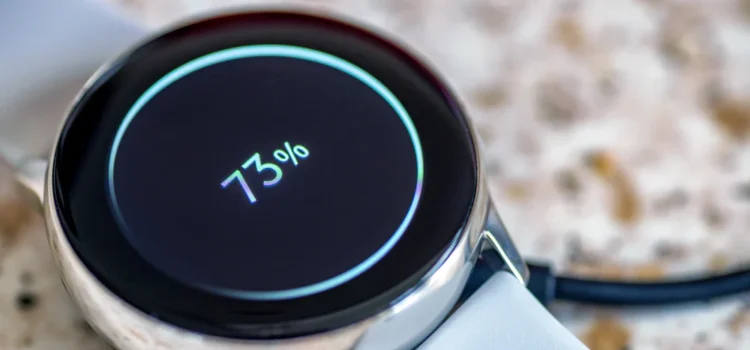
If you hate charging every night or swapping the watch out for sleep tracking, you’ll want good battery life and a comfortable fit. Also, if you’re tracking outdoors you want GPS accuracy and durability (water/mud resistance). Long battery life means fewer interruptions and more continuous data.
Ecosystem, app support and compatibility
A smartwatch is only as good as the ecosystem it connects to. Whether you’re on Android or iOS, check that the companion app is well supported, shows clear insights, and connects to other health apps if you use them. Some watches are better for Android users, some for iPhone users. Compatibility is key.
Top Contenders for Fitness & Health in 2025
While there are many models, here are examples of categories and why they stand out (without bullet‑lists, in paragraph form):
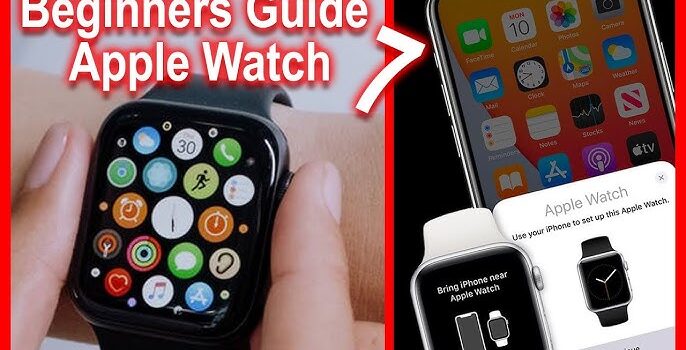
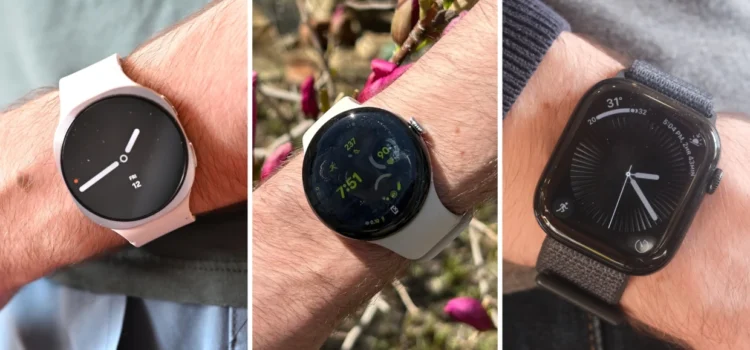
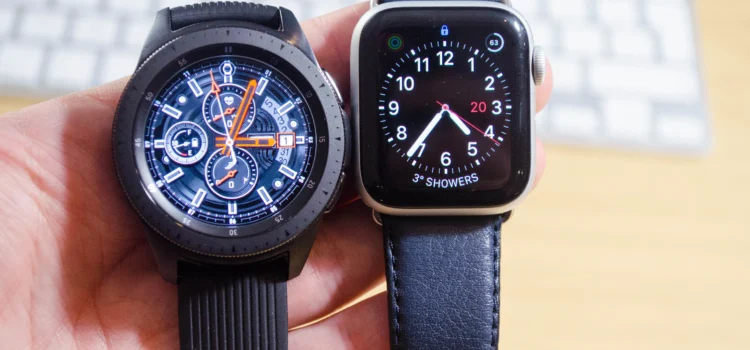
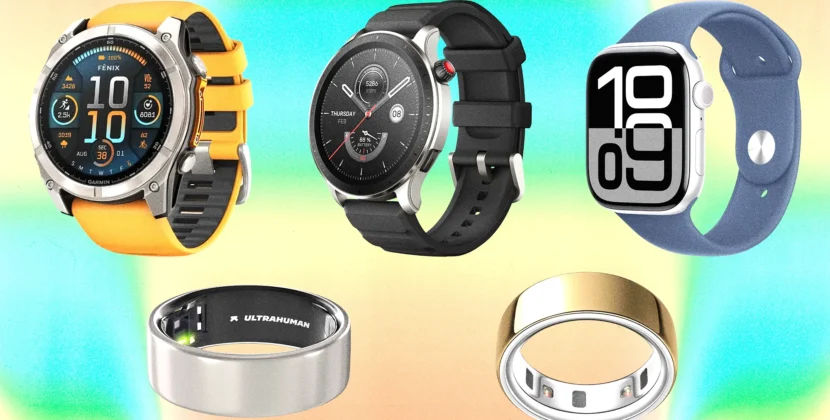
If you want a full‑featured smartwatch with deep health monitoring and you’re in the Apple ecosystem, one of the latest Apple Watch models offers ECG, blood oxygen monitoring, advanced sleep tracking, and tight integration with Apple Fitness+ and iPhone‑based health features. Many reviews for 2025 mention how Apple continues to push health tracking into the mainstream.
rt, a high‑end Samsung model shines thanks to its active mode tracking, dual‑frequency GPS for better outdoor accuracy, and wellness features like body composition analysis, stress metrics, and sleep coaching. Reviewers note its balance of smart features plus serious fitness/health tracking.
If your priority is hardcore fitness and outdoor performance, a sporty brand like Garmin stands out. One of the watches built for endurance training offers multisport tracking, VO2 max estimation, recovery insights, long battery life and rugged build suitable for trails and multisport workouts. One review emphasised how it tracks not just workouts, but readiness and stress as part of a holistic view of fitness.
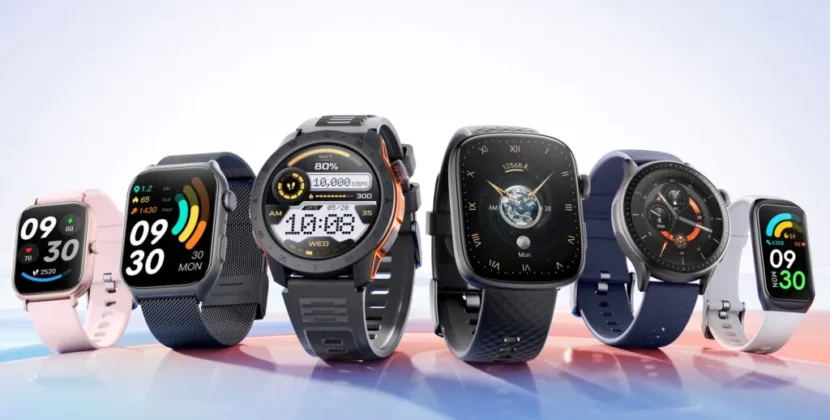
If you’re more wellness‑oriented rather than training for race or triathlon, there are models that focus on overall health: sleep quality, stress and mental wellness, daily movement reminders, and moderate workout tracking. These watches may not have every advanced sport metric, but they’re excellent for people who want to improve their general fitness, manage recovery, and establish healthier habits.
How to Match a Watch to Your Lifestyle
When selecting the right watch, consider your actual goals and lifestyle to avoid paying for features you won’t use. For instance, if you rarely run outdoors and mostly do gym machines, extensive GPS or altitude tracking may not matter. But if you sleep very irregularly or manage stress and recovery closely, a model with detailed sleep and HRV insight is beneficial.
Think about whether you’ll wear the watch all day (so comfort and battery count), whether you move between phone ecosystems (iOS/Android), and how you view data. Do you like a simple health summary or full deep dive metrics? Also factor in budget. Some watches cost a premium but if you only use basic features, the value may not match.
Common Questions About Fitness & Health Smartwatches
Q: Are these health tracking features accurate enough to trust?
A: Smartwatches are improving rapidly, and many sensors now provide reliable trends and alert you to irregularities. However, they are not a substitute for medical devices or professional diagnosis. Use them as guides and awareness tools, not definitive medical instruments.
Q: Will a fitness‑focused smartwatch motivate me rather than just measure?
A: Yes — the best watches provide feedback you can act on, such as reminders to move, suggestions for recovery, and monitoring how your activity and sleep impact each other. When you see improvement in real metrics, motivation tends to follow.
Q: What if I switch phones (Android → iPhone or vice versa)?
A: Compatibility matters. Some watches are designed primarily for one ecosystem and may lose features or connectivity when used with the other. Always check which features work on your phone platform before purchase.
Q: How important is battery life for fitness tracking?
A: Very important if you’ll use the watch for sleep tracking, outdoor workouts, or multi‑day adventures. A watch that dies mid‑cycle or after a heavy day loses value. You’ll want something that lasts at least a full day, preferably multiple days if sleep and recovery tracking are used.
Q: Can I use a fitness smartwatch for everyday smart features (calls, notifications, apps)?
A: For many models yes, but not all are equal. If notifications, calling, or app integrations matter to you, make sure the model supports your preferred functions. If you focus mainly on health tracking, you may accept fewer smart features for longer battery or better sensors.
Conclusion
Choosing the best smartwatch for fitness and health tracking in 2025 means balancing your goals, lifestyle and budget. Whether your aim is to train harder, recover smarter, or simply maintain wellness, the right device can help you stay motivated and better informed about your body. Prioritise models that offer comprehensive sensors, support your workout style, provide meaningful feedback on sleep and recovery, and fit within your phone ecosystem. With continuous improvements in wearable health technology, your next smartwatch can genuinely become a trusted ally in your wellness journey.