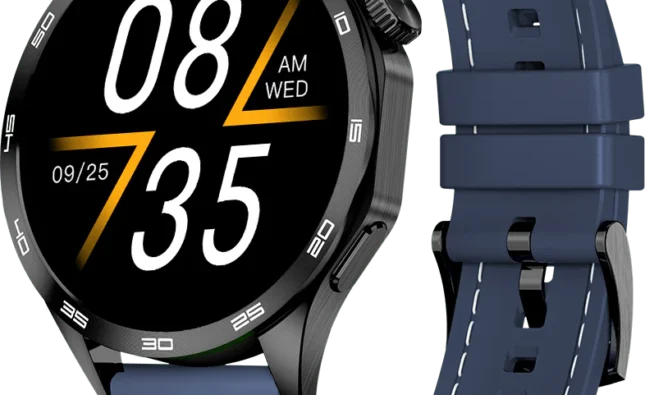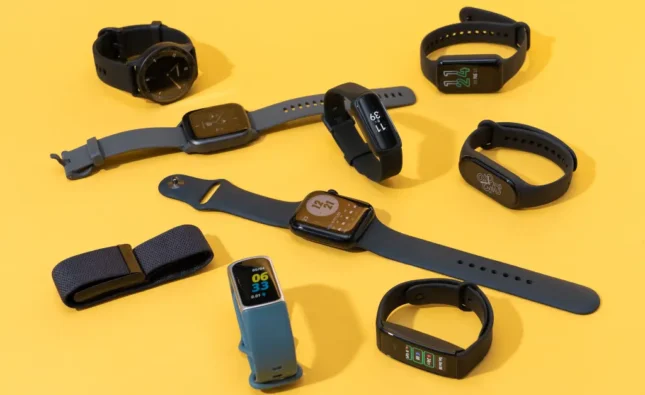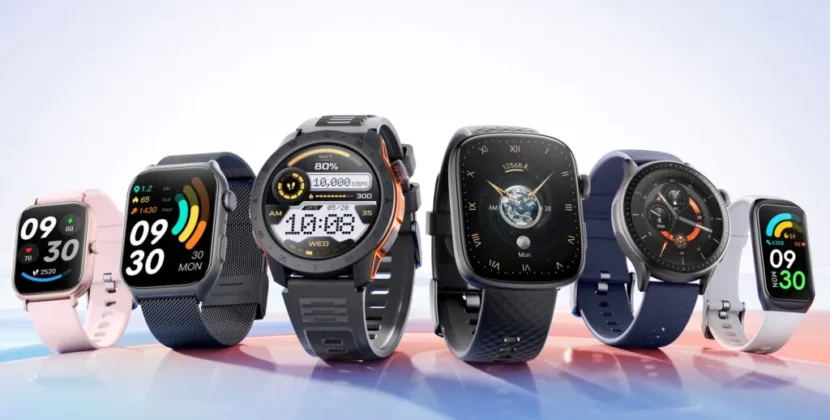

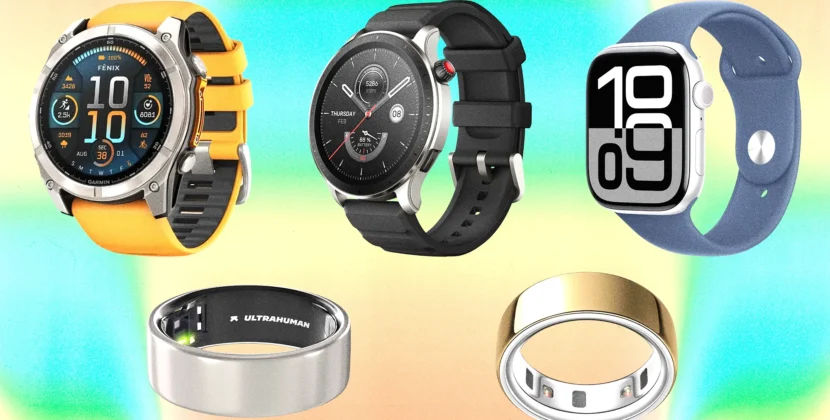


Smartwatches are incredibly convenient, offering fitness tracking, notifications, music controls, and even contactless payments right on your wrist. But for many users, the excitement of wearing a smartwatch is tempered by one recurring frustration: battery life. Whether you have an Apple Watch, Samsung Galaxy Watch, or a budget-friendly alternative, frequent charging can be inconvenient, especially if you want to track sleep or rely on health monitoring throughout the day. Understanding how to optimize battery usage can help your device last longer and reduce the stress of constant charging.
Understanding Smartwatch Battery Life
Battery life varies widely between brands, models, and usage patterns. High-end watches with bright displays, GPS tracking, and LTE connectivity tend to drain faster, while simpler models or hybrid smartwatches can last several days on a single charge. Typically, smartwatch batteries are designed to last one to two years before noticeable degradation occurs, and daily charging is often expected for feature-rich models. Knowing the factors that influence battery life is the first step in extending it.
Screen brightness, notifications, GPS usage, and health monitoring features all consume power. For example, continuous heart rate tracking, sleep monitoring, and always-on displays can significantly reduce how long the watch lasts on a charge. Similarly, frequent use of apps, music playback, or cellular features can add to battery consumption. By managing these settings strategically, you can get the most out of your smartwatch battery.
Optimize Display Settings
The display is usually the biggest battery consumer. Reducing brightness, shortening screen timeout, and disabling always-on display when not necessary can dramatically extend battery life. On many smartwatches, you can choose between automatic brightness adjustment or manual control. Automatic brightness is convenient, but manually setting a lower brightness in well-lit conditions saves energy.
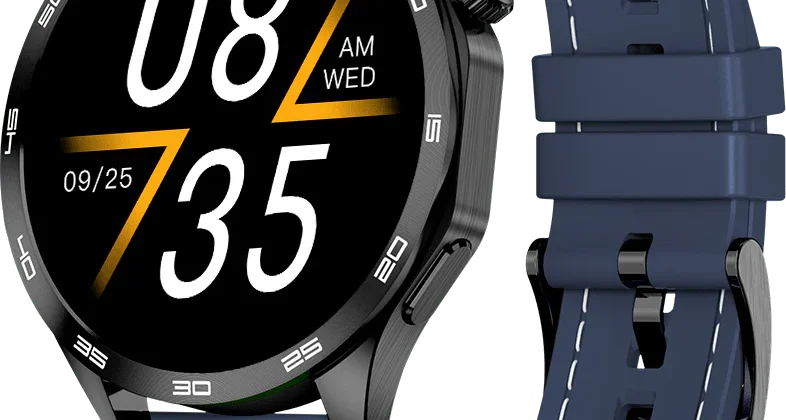
Some models allow customization of watch faces. Minimalistic watch faces with fewer animations and darker backgrounds use less power compared to brightly colored or animated options. Selecting simple watch faces with only essential information displayed can help conserve battery while keeping your smartwatch functional and easy to read.
Manage Notifications Wisely
Notifications are a key feature of smartwatches, but too many alerts can drain the battery quickly. Carefully selecting which apps are allowed to send notifications reduces unnecessary power consumption. Focus on critical notifications such as calls, messages, or calendar events, while disabling less important alerts from social media or non-essential apps.
Haptic feedback, vibration intensity, and sound alerts also consume energy. Adjusting these settings to lower levels, or turning off vibrations for less critical notifications, can make a noticeable difference in battery performance throughout the day.
Optimize Health and Fitness Features
Smartwatches excel at health and fitness tracking, but continuous monitoring of heart rate, blood oxygen, or GPS during workouts consumes significant energy. For users who do not require continuous tracking, adjusting settings to periodic measurements instead of constant monitoring can prolong battery life.
Sleep tracking is a popular feature, but if your watch has GPS or other power-intensive sensors enabled overnight, it can drain the battery faster. Consider enabling only the essential sensors during sleep or using battery-saving modes specifically designed for night monitoring.
Utilize Power-Saving Modes
Most modern smartwatches include power-saving or low-power modes that reduce background activity, dim the display, and limit notifications. Activating these modes during periods when full functionality isn’t needed—like overnight or during travel—can significantly extend battery life. Some watches even allow custom power-saving profiles, so you can select what features remain active while conserving energy.
Keep Software Updated
Manufacturers frequently release software updates that optimize battery usage, fix bugs, and improve overall device efficiency. Keeping your smartwatch and companion apps updated ensures that the battery management system operates as effectively as possible. Skipping updates can lead to unnecessary power consumption and suboptimal performance.
Limit Third-Party Apps
While third-party apps expand smartwatch functionality, they can also consume additional battery. Uninstall apps that are rarely used, and avoid apps with high background activity. Monitoring battery usage through the companion app can help identify which apps are the biggest energy consumers, allowing you to take appropriate action.
Proper Charging Habits
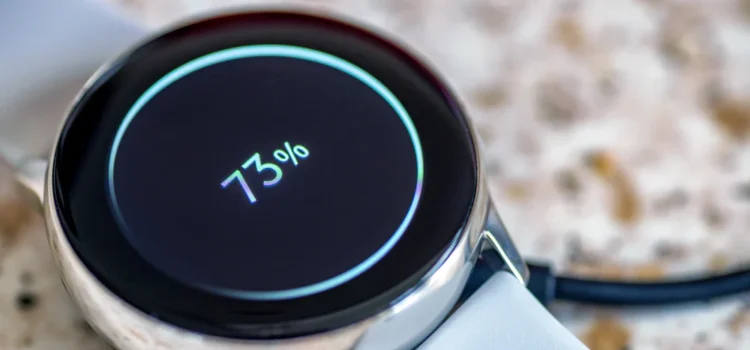
Battery longevity depends not only on daily use but also on charging practices. Avoid letting your smartwatch battery drain completely too often, and avoid prolonged overcharging. Using the original charger or manufacturer-recommended alternatives ensures optimal charging speed and prevents potential battery degradation. For long-term battery health, it’s beneficial to keep the charge level between 20% and 80% whenever possible.
Environmental Considerations
Extreme temperatures—both hot and cold—can negatively affect smartwatch battery life. Avoid exposing your watch to direct sunlight for prolonged periods, or leaving it in a cold environment for hours. Proper storage and usage within recommended temperature ranges help maintain battery efficiency and longevity.
Frequently Asked Questions (FAQ)
Q: How long should my smartwatch battery last on a single charge?
Battery life varies depending on brand, model, and usage. Feature-rich watches like the Apple Watch typically last 18–24 hours, while some Samsung Galaxy Watch models and hybrid smartwatches can last several days. Battery optimization techniques can extend this duration.
Q: Does lowering screen brightness really save battery?
Yes. The display is one of the largest power consumers on a smartwatch. Reducing brightness, shortening screen timeout, and selecting minimalistic watch faces can noticeably extend battery life.
Q: Should I use power-saving mode all the time?
Not necessarily. Power-saving mode is useful when you need the watch to last longer without charging, such as overnight or during travel. However, it may limit certain functions, so it’s best used strategically rather than continuously.
Q: Do health monitoring features drain the battery quickly?
Continuous heart rate, GPS tracking, and sleep monitoring can significantly reduce battery life. Adjusting measurement frequency or disabling non-essential sensors when not needed can help preserve battery power.
Q: How do I maintain battery health long-term?
Charge your smartwatch regularly but avoid letting it drain completely or staying at 100% for extended periods. Use manufacturer-recommended chargers, keep software updated, avoid extreme temperatures, and reduce unnecessary power-intensive features.
Conclusion
Maximizing smartwatch battery life is a matter of understanding how your device consumes power and making thoughtful adjustments. By optimizing display settings, managing notifications, using power-saving modes, controlling health and fitness features, and maintaining proper charging habits, you can enjoy your smartwatch without the frustration of frequent charging. A well-maintained battery ensures that your device remains a reliable companion for productivity, health monitoring, and staying connected, allowing you to make the most of every day with convenience and confidence.