


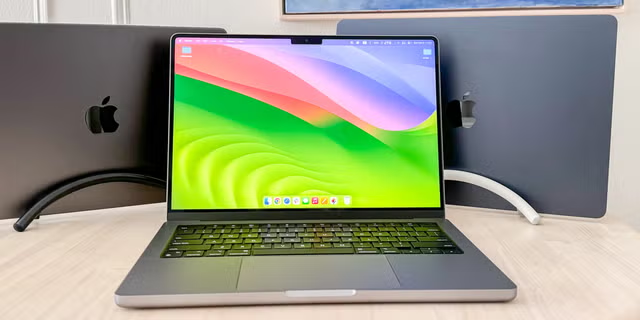
Choosing a new laptop in 2025 can feel more complicated than ever. With powerful chips, sleek designs and steep price tags, you may find yourself asking: should I go for a Apple MacBook or a Windows laptop? The right choice depends less on brand loyalty and more on your day-to-day needs. In this guide I’ll walk you through the key differences, practical trade-offs, and how to decide which platform works for your budget, workflow and lifestyle.
Operating System and Ecosystem
One of the biggest differences between MacBooks and Windows laptops is the operating system and ecosystem they sit within. MacBooks run macOS and integrate tightly with iPhones, iPads, Apple Watches and other Apple services. Features like AirDrop, iMessage, Continuity and universal clipboard make sense if you’re already embedded in the Apple world. Reviews in 2025 highlight how Mac users value this seamless integration.
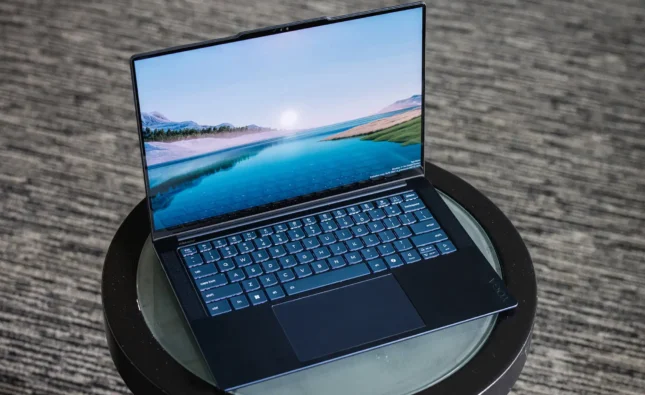
Windows laptops, on the other hand, run Windows 11 (or newer) and offer broader compatibility with countless software applications, games and hardware options. They cater to a wider set of use-cases—from students to gamers to professionals using legacy business tools. According to buying guides, that flexibility remains a major strength.
If you already own an iPhone and iPad, a MacBook might feel like a natural extension. If you use Android phones, work in business software, or enjoy gaming, a Windows laptop gives you more freedom.
Performance, Hardware & Battery Life
In 2025 the hardware arms race is strong. Apple’s silicon (for example the M4 chip in MacBook Air) delivers excellent performance and battery life. A review by The Guardian says the MacBook Air M4 offers “near-MacBook Pro performance… over 16 hours of light use and more than 10 hours under heavy workloads”. MacBooks also tend to run cool and quietly because of their tightly integrated architecture.
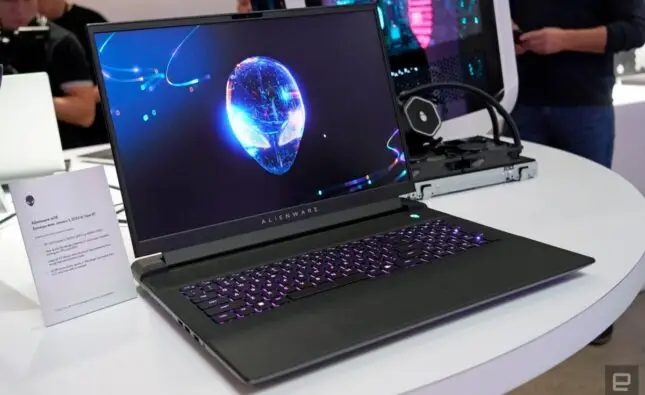
Windows laptops offer a much wider range of hardware choices—from ultra-light ultraportables to gaming rigs with discrete GPUs, high-refresh displays and advanced cooling. They give you options to prioritise GPU power (for creative work or games) or portability (for travel). One comparison article notes that while MacBooks emphasise endurance and efficiency, Windows machines dominate in hardware variety and upgradeability.
If you prioritise all-day battery life, silence, and a premium, form‐factor-first experience, a MacBook is very compelling. If you need a particular GPU, want a touchscreen or need the ability to upgrade RAM or storage later, then Windows may serve you better.
Ports, Upgradeability & Flexibility
When you buy a laptop you may expect it to last five or more years. In that regard, ports and upgradeability matter. MacBooks typically come with fewer ports: recent MacBook Air models may offer two USB-C/Thunderbolt ports, maybe MagSafe, maybe no USB-A, no SD card slot. As one article says, “MacBooks are minimal — sometimes too minimal”. pgradeability is also limited: most MacBooks have soldered RAM and storage, meaning you pick your spec at purchase and can’t change it later. Reviews underline this as a meaningful trade-off.
Windows laptops are far more diverse: many include USB-A, HDMI, SD card slots, multiple ports; many allow RAM or storage upgrades (though not all). If you care about future-proofing, ports and expandability might tip the scale. For instance, if you anticipate needing 32 GB or 64 GB RAM in a few years, or want to swap SSD later, a Windows model often offers more flexibility.
Software Compatibility & Use-Case
Another key area: what software do you use right now and might use in the future? If you work in design, video editing, music production, and all your tools support macOS (or you already use Final Cut Pro, Logic Pro, etc.), a MacBook can be a strong choice. Some articles say creative pros value macOS for these workflows.
Conversely, if you use niche business software, legacy tools, engineering apps, or you’re a gamer, Windows offers far wider compatibility. MacBooks lag behind in gaming (fewer titles, fewer GPU options) and some business/engineering tools are Windows-only. One guide makes this clear: “Choose Windows if you need gaming, software flexibility, or a more affordable option.”
So think: do you use or will you use software that requires Windows? Do you game seriously? Do you need support for external GPUs or docking stations? If yes, lean Windows.
Budget, Value & Longevity
Price matters. MacBooks often carry a premium upfront cost. But they tend to retain value better on resale, and many users feel they last longer without needing replacement. One article states MacBooks “last 6-8 years with excellent performance retention … hold resale value better than Windows laptops”.
Windows laptops span a much broader price range—from budget machines under $500 to super-premium devices. That means you can find very good value at lower cost. But build quality, durability and support can vary. Some Windows laptops may end up needing replacement sooner or may not hold value as well.
If long-term investment (buy once, use for many years) is your goal and budget allows, the MacBook path can pay off. If upfront cost matters more and you may upgrade in a few years anyway, a Windows laptop offers more options.
Gaming, Creative Work & Specialized Use
If gaming is a priority, Windows is largely the winner. MacBooks, while vastly improved, still don’t match the ecosystem of AAA gaming, high-end GPUs and gaming optimisation found in Windows. An article says Windows laptops “remain the king of gaming” thanks to wide GPU choices and game library.
For creative work (video editing, 3D modeling, music), a MacBook is a strong contender especially if your tools are macOS-native. But if you need eGPU, RTX cards, specific CAD/engineering software, or maximum GPU flexibility, Windows again wins.
Final Guidance: Which Should You Buy?
Here’s a quick summary to help decide:
-
If you’re entrenched in the Apple ecosystem (iPhone/iPad), value build quality, long battery life, minimal fuss and plan to use the laptop for many years: go for a MacBook.
-
If you need hardware flexibility, broader software/gaming compatibility, many ports, upgradeability or you’re budget-sensitive: choose a Windows laptop.
-
If you’re a gamer or run specific business/engineering tools: Windows is likely better.
-
If you rarely game, want smooth everyday productivity, and don’t need multiple external ports or heavy GPU-tasks: MacBook is a strong choice.
No one platform is universally “better” in 2025—it’s about matching your laptop to your workflow, budget and ecosystem.
Frequently Asked Questions (FAQs)
Q1: Will a MacBook last longer than a Windows laptop?
Often yes. MacBooks typically have longer usable lifespan, strong resale value, and fewer performance issues over time—especially if you don’t need frequent hardware upgrades.
Q2: Are Windows laptops better for gaming?
Yes. Windows laptops dominate gaming thanks to broader game library, wider GPU options and better support for peripherals. MacBooks still lag in that arena.
Q3: Can I upgrade components in a MacBook easily?
No. Most modern MacBooks have soldered RAM and storage and limited port variety. You pick your configuration at purchase. Windows laptops often offer more upgrade flexibility.
Q4: What about ports and connectivity?
Windows laptops generally offer more ports (USB-A, HDMI, Ethernet, SD card) and flexibility. MacBooks have sleeker minimal ports (often only USB-C/Thunderbolt) which may require adapters.
Q5: Which is better for students or everyday use?
If budget is tight or you want maximum flexibility, a Windows laptop may be the better fit. If you prefer reliability, minimal maintenance, long battery and already use Apple devices, a MacBook makes sense.
Conclusion
In 2025 the MacBook vs Windows laptop question isn’t about brand prestige—it’s about finding the right tool for you. A MacBook offers superb battery life, premium design, excellent integration (especially for Apple users) and strong longevity. A Windows laptop offers unparalleled flexibility, broader pricing options, upgrade paths, and is ideal for gaming or specialised workflows. Take the time to evaluate your software needs, ecosystem, budget and how long you expect to keep the device. Choose accordingly—and you’ll end up with a laptop that supports your work, lifestyle and goals for years to come.