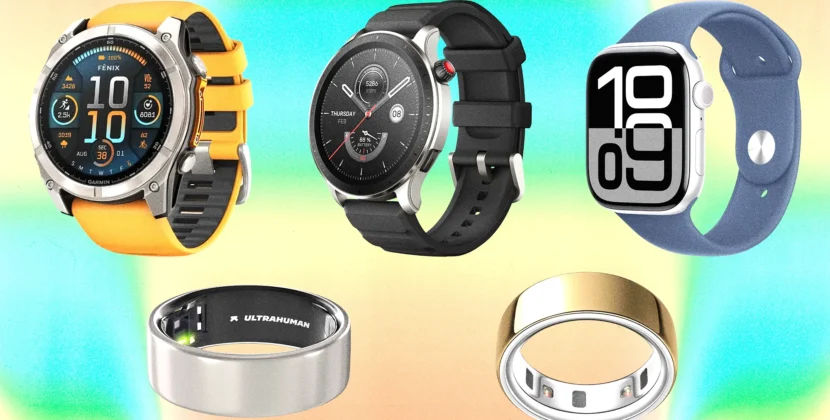


Smartwatches have become essential tools for staying connected, monitoring your health, and managing daily tasks. Yet for many beginners, the first encounter with a smartwatch can feel intimidating. Small screens, multiple apps, and unfamiliar settings may seem confusing at first. This guide simplifies the process, walking you through setup, basic usage, and tips to get the most out of your device, ensuring you can confidently wear and use your smartwatch from day one.
Unboxing and Charging Your Smartwatch
The first step is simple but important: unboxing and charging your smartwatch. Most new smartwatches arrive partially charged, but it’s recommended to charge it fully before initial setup. Check the included charging cable or dock, connect it to a reliable power source, and allow the watch to reach 100 percent. This ensures optimal battery calibration and avoids interruptions during setup.
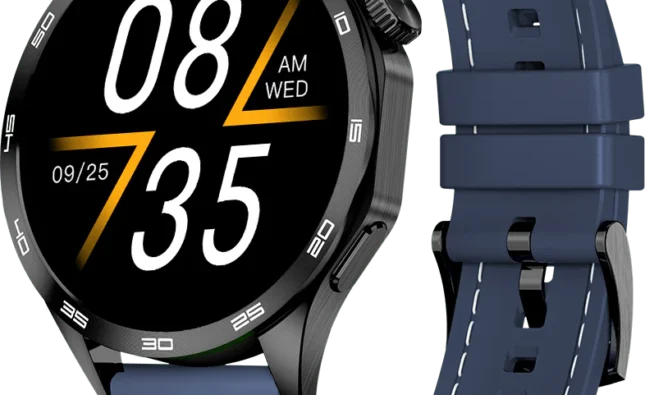
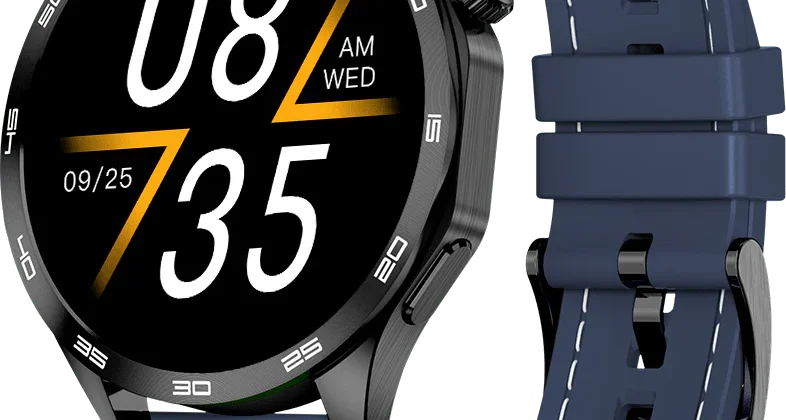
At this stage, inspect your smartwatch for physical features, buttons, and screen responsiveness. Familiarizing yourself with its hardware layout—including the crown, side buttons, or touch controls—helps you navigate later with ease. Some smartwatches also include removable straps, which can be adjusted for comfort before wearing the device for extended periods.
Download the Companion App
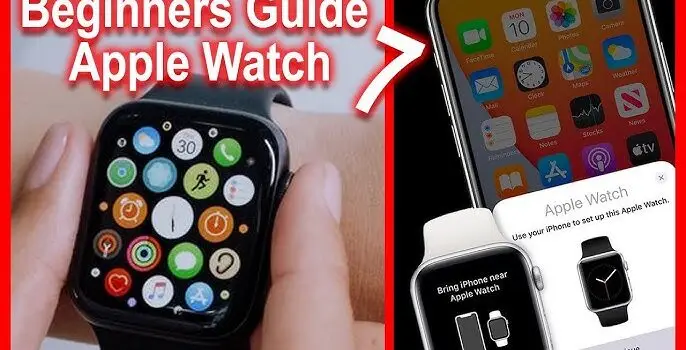
Almost all smartwatches rely on a companion app installed on your smartphone. This app allows you to manage watch settings, receive notifications, and sync health and fitness data. Identify the correct app for your device: Apple Watches use the Apple Watch app on iPhones, Samsung Galaxy Watches use the Galaxy Wearable app for Android, and other brands typically provide their own proprietary applications.
Install the app, open it, and follow the on-screen instructions to pair your smartwatch with your smartphone. Bluetooth must be enabled, and both devices should be near each other during pairing. The app may ask you to sign in with an account, such as Apple ID, Samsung account, or the brand’s own login, which helps synchronize data across devices and secure backups.
Pairing and Initial Setup
Once the app is installed, pairing your smartwatch involves following a series of prompts. You may be asked to select your language, set time and date preferences, and adjust display settings such as brightness and watch face style. This is also the moment to configure basic security options, like a PIN or biometric lock, which ensures your personal data remains protected in case the watch is lost or stolen.
Some smartwatches offer automatic software updates during initial setup. It is advisable to complete these updates before diving into features, as updates often fix bugs, improve performance, and unlock new capabilities. Patience during this step ensures a smoother experience as you begin using your watch.
Navigating the Smartwatch Interface
Smartwatch interfaces vary by brand, but most rely on a combination of touch gestures, buttons, and sometimes rotating crowns. Begin by familiarizing yourself with the home screen, notifications panel, and quick-access menus. Swipe gestures typically allow you to move between widgets like weather, fitness stats, calendar, and music controls.
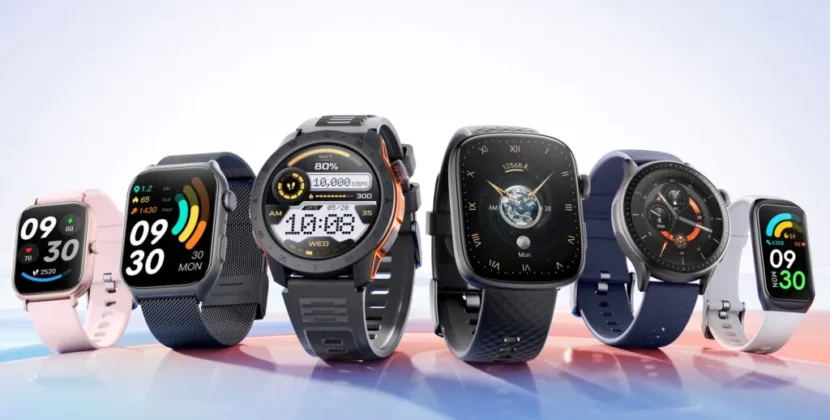
Customize your watch face to display the information you use most, such as step count, heart rate, or calendar reminders. Many smartwatches allow multiple watch faces, so you can switch between minimalistic designs or more data-rich layouts depending on your preference. Learning these navigation basics early helps reduce frustration and encourages regular use.
Setting Up Notifications and Alerts
One of the main benefits of a smartwatch is quick access to notifications. Using the companion app, select which apps can send alerts to your watch. Start with essential notifications such as calls, messages, calendar events, and health alerts. Adjust vibration patterns, sound settings, and priority levels to avoid constant interruptions while ensuring you don’t miss important updates.
For beginners, it is helpful to limit notifications initially and expand gradually as you become comfortable. Overloading your watch with alerts can be overwhelming, reducing its usefulness rather than enhancing it.
Using Health and Fitness Features
Modern smartwatches are equipped with sensors to monitor heart rate, sleep, steps, calories burned, and sometimes blood oxygen levels. Begin by setting personal data such as age, weight, and height in the companion app. This information helps the watch calculate calories burned and other health metrics more accurately.
Start small with daily step goals, guided breathing exercises, or basic workouts. Many smartwatches offer reminders to move or stand at intervals, which can improve your overall health. Sleep tracking is another valuable feature—wear your watch overnight to monitor sleep duration and quality. Regularly checking the app allows you to see trends and adjust habits accordingly.
Exploring Additional Features
Beyond health and notifications, smartwatches include features like music control, GPS navigation, contactless payments, and voice assistants. Explore one feature at a time to avoid feeling overwhelmed. For instance, link your music streaming service to control playlists during workouts, or experiment with voice commands to set reminders or send messages.
GPS and maps can be particularly useful for outdoor activities like running or walking, while contactless payments save time by allowing you to complete purchases without your phone or wallet. By exploring features gradually, you can personalize your smartwatch to suit your daily routine and lifestyle.
Tips for Maintaining Your Smartwatch
To keep your smartwatch functioning well, regularly update both the watch and companion app, clean the device and straps gently, and avoid exposing it to extreme temperatures. Battery health can be prolonged by charging regularly but avoiding overcharging overnight. For water-resistant models, ensure the recommended depth and exposure limitations are observed.
Accessories like protective cases or screen covers can prevent scratches, especially if you wear your watch during sports or outdoor activities. Adjust strap tightness appropriately—too tight may irritate skin, while too loose may impact heart rate sensor accuracy.
Frequently Asked Questions (FAQ)
Q: Can I use a smartwatch without a smartphone?
Yes, some smartwatches have standalone features like built-in GPS, LTE connectivity, and emergency calls. However, most smartwatches function best when paired with a smartphone for notifications, data syncing, and app management.
Q: How long should the first charge be before setup?
It is recommended to charge your smartwatch fully, usually 1-2 hours, before starting the initial setup. This ensures uninterrupted setup and helps calibrate battery management.
Q: What if my smartwatch isn’t pairing with my phone?
Ensure Bluetooth is enabled, devices are close to each other, and no other devices are interfering. Restarting both the watch and phone often resolves pairing issues. Check the companion app for troubleshooting tips.
Q: Can I track my workouts accurately with a smartwatch?
Yes, smartwatches use sensors to monitor heart rate, steps, calories, and sometimes GPS-based distance tracking. Accuracy varies by device and placement, but it’s generally sufficient for daily fitness and health tracking.
Q: How often should I update my smartwatch software?
Always install updates when prompted. Updates improve performance, security, and sometimes add new features. Keeping both the smartwatch and companion app updated ensures optimal functionality.
Conclusion
Setting up and using a smartwatch may seem complicated at first, but by following a step-by-step approach, you can transform your device into a powerful tool for productivity, health, and connectivity. Begin with charging, pairing, and familiarizing yourself with the interface. Gradually explore notifications, fitness tracking, and additional features. With regular use and proper maintenance, your smartwatch becomes an intuitive companion that simplifies daily life and supports healthier, more organized living.